

Description
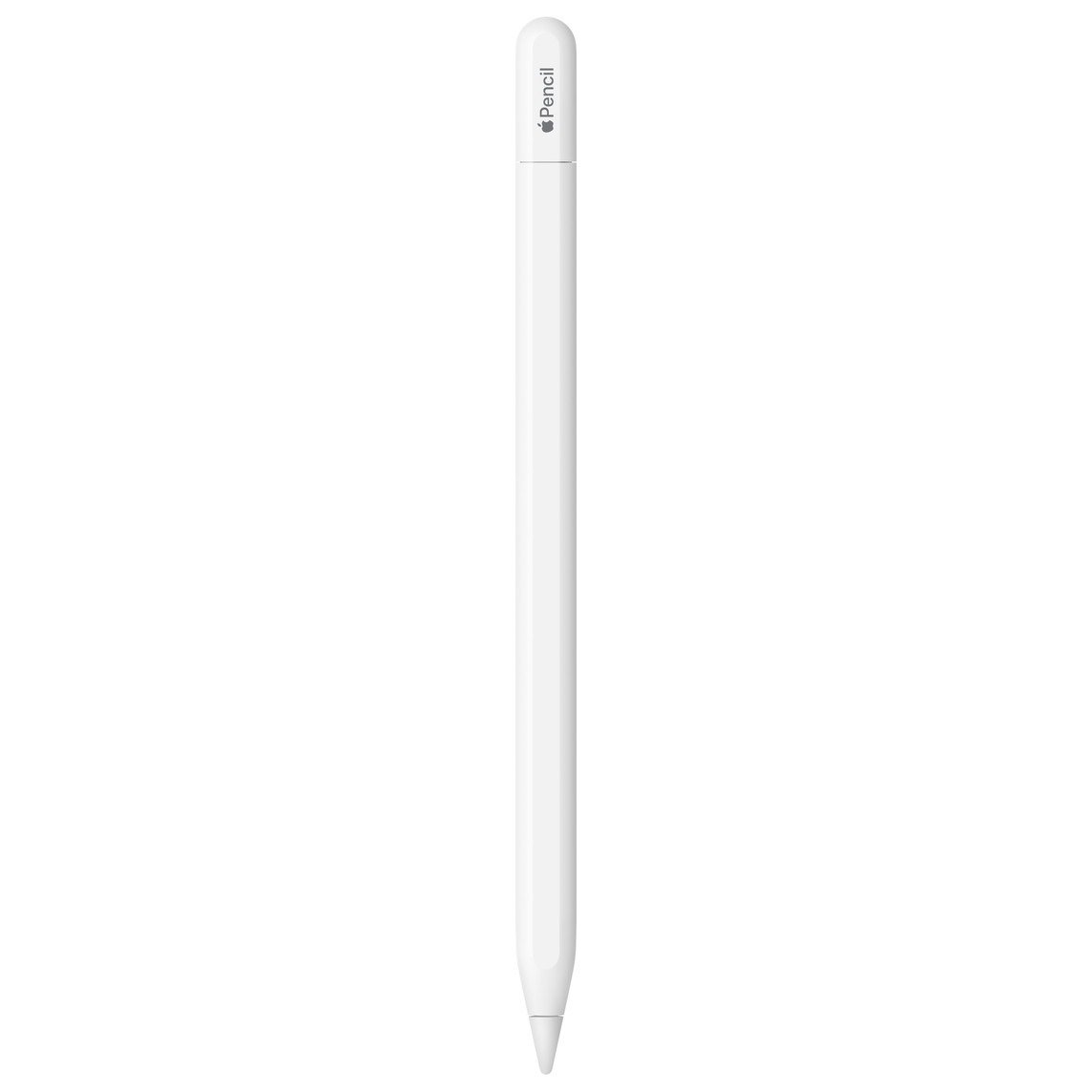
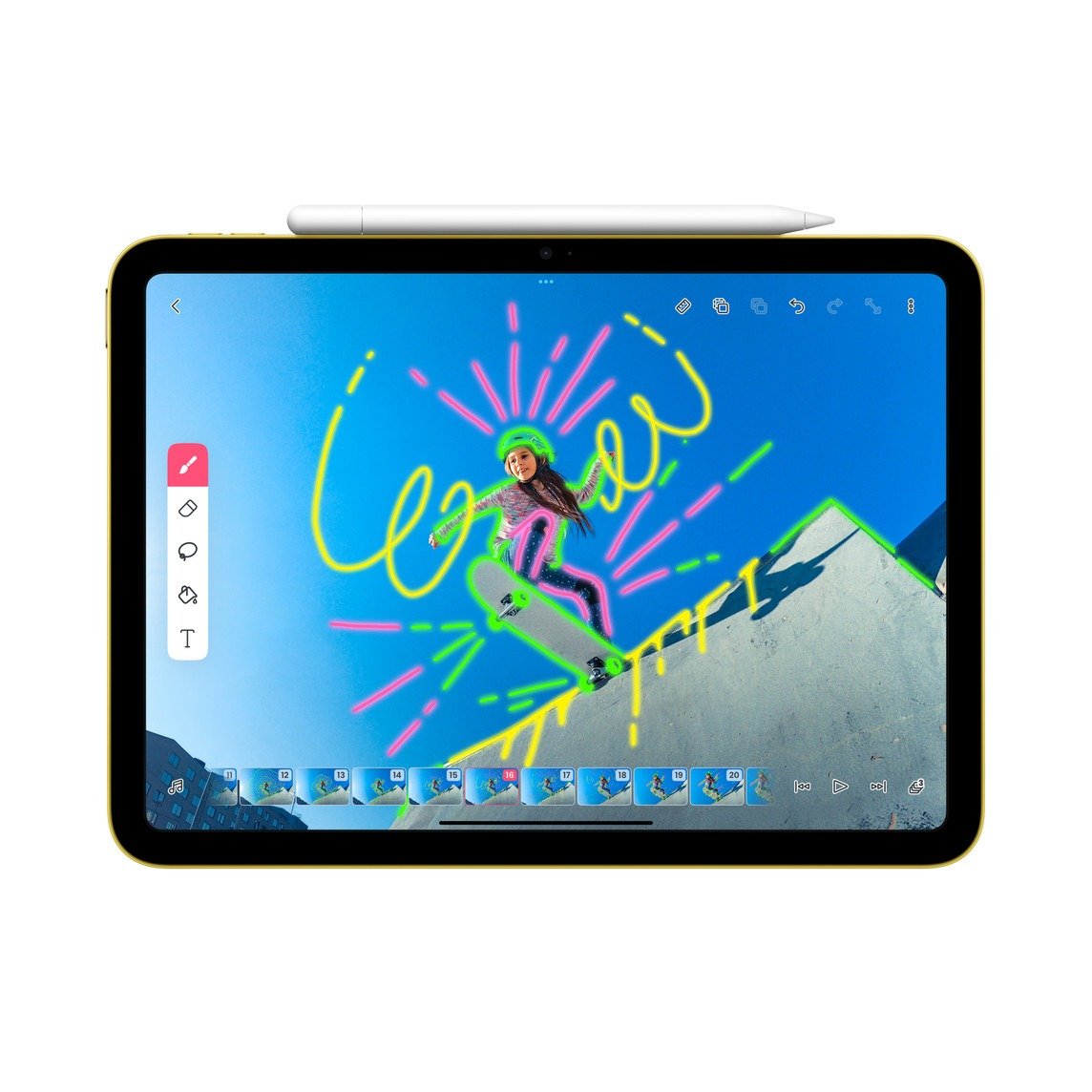
The Apple Pencil (USB-C) is Apple's most affordable stylus for iPads with a USB-C port, covering base iPad, iPad Air, iPad mini and iPad Pro models. It offers the same pixel-perfect accuracy, low latency and tilt sensitivity as the 1st and 2nd generation Pencils. It suits students and professionals who take handwritten notes, mark up documents or use Scribble and Quick Note. Its flat side stores magnetically on the iPad, and hover is supported on recent iPad Pro and iPad Air models. As it has no pressure sensitivity, it is better suited to note-taking than to detailed drawing and shading.
Key features
- Precise, responsive input. Delivers pixel-perfect accuracy with low latency and tilt sensitivity. These match the 1st and 2nd generation Apple Pencils.
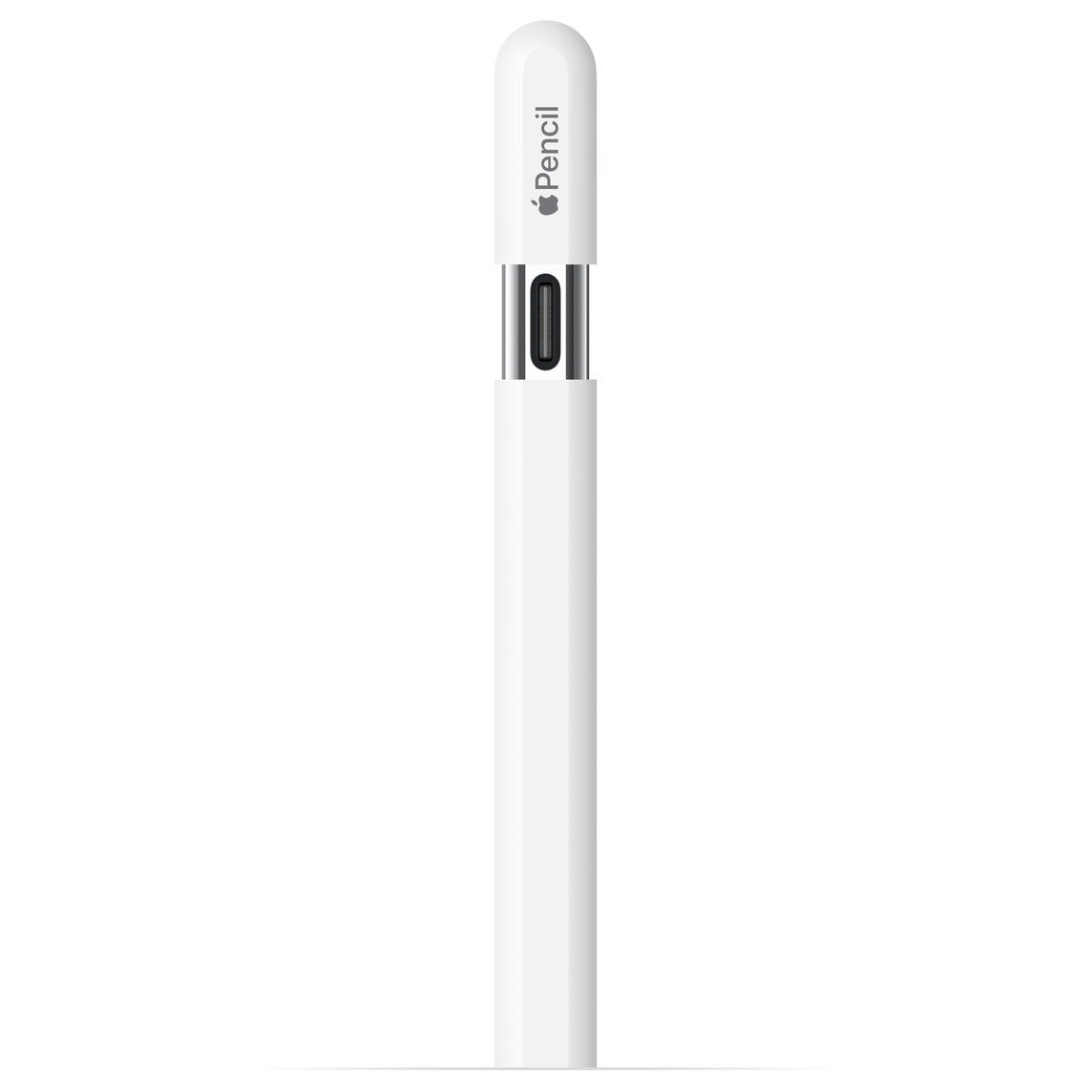
- USB-C pairing and charging. Pairs and charges through a USB-C cable via a port hidden under a sliding cap. The iPad 10th generation needs no adapter, unlike with the 1st generation Pencil.
- Magnetic storage with sleep mode. A flat side lets it attach magnetically to the side of the iPad. When attached it enters a sleep state to save battery, though it does not charge there.
- Hover on iPad Pro and iPad Air. Hover works with iPad Pro 13-inch and 11-inch (M5, M4), iPad Pro 12.9-inch (6th generation), iPad Pro 11-inch (4th generation) and iPad Air 13-inch and 11-inch (M3, M2).
- Broad USB-C iPad compatibility. Works with every iPad that has a USB-C port, including iPad (A16), iPad (10th generation), iPad mini (A17 Pro and 6th generation), iPad Air and iPad Pro models. It requires iPadOS 17.1.1 or later.
- Slim and light. Measures 155 mm long and 8.9 mm in diameter and weighs 20.5 g. It has a matte finish.
- iPadOS features. Supports Scribble, Quick Note and Freeform collaboration. Handwriting can be used across iPadOS for notes and input.
Specifications
| Design and build | |
|---|---|
| Length | 155 mm (6.10 in) |
| Diameter | 8.9 mm (0.35 in) |
| Weight | 20.5 g (0.72 oz) |
| Finish and shape | Matte finish with a flat side that magnetically attaches to the side of iPad for storage |
| Port cover | Non-removable cap that slides to reveal the USB-C port |
| Colour | White |
| Connectivity | |
| Connections | Bluetooth and USB-C connector |
| Pairing and charging | Pairs and charges through a USB-C charge cable |
| Battery and charging | |
| Charging method | Wired USB-C only; no wireless charging |
| Power saving | Sleeps when magnetically attached to iPad |
| Input | |
| Precision | Pixel-perfect accuracy, low latency and tilt sensitivity |
| Pressure sensitivity | Not supported |
| Double-tap gesture | Not supported |
| Hover | iPad Pro 13-inch and 11-inch (M5, M4), iPad Pro 12.9-inch (6th generation), iPad Pro 11-inch (4th generation), iPad Air 13-inch and 11-inch (M3, M2) |
| Software | |
| iPadOS features | Scribble, Quick Note and Freeform collaboration |
| Compatibility | |
| System requirement | iPadOS 17.1.1 or later |
| iPad Pro | 13-inch (M5, M4); 12.9-inch (3rd to 6th generation); 11-inch (M5, M4, 1st to 4th generation) |
| iPad Air | 13-inch and 11-inch (M4, M3, M2); iPad Air (4th and 5th generation) |
| iPad | iPad (A16) and iPad (10th generation) |
| iPad mini | iPad mini (A17 Pro), iPad mini (6th generation) |
| General | |
| Model number | A3085 |
| Released | November 2023 |
What’s in the box
- Apple Pencil (USB-C)
Frequently asked questions
Does it support hover?
Yes, on iPad Pro (M5, M4, 12.9-inch 6th generation, 11-inch 4th generation) and iPad Air (M3, M2) models.
What iPadOS version does it need?
It requires iPadOS 17.1.1 or later.
Reviews
There are no reviews yet.