
Description
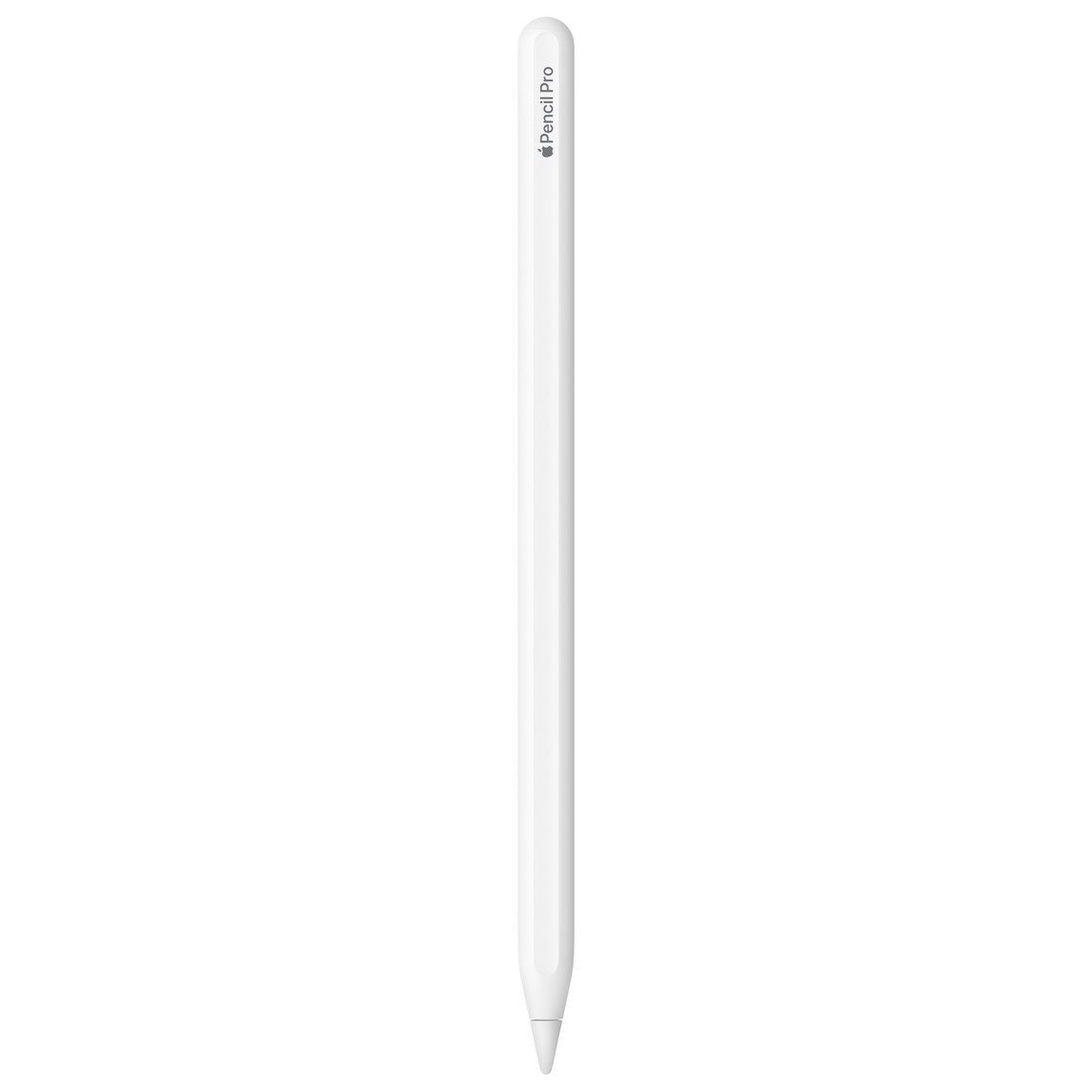
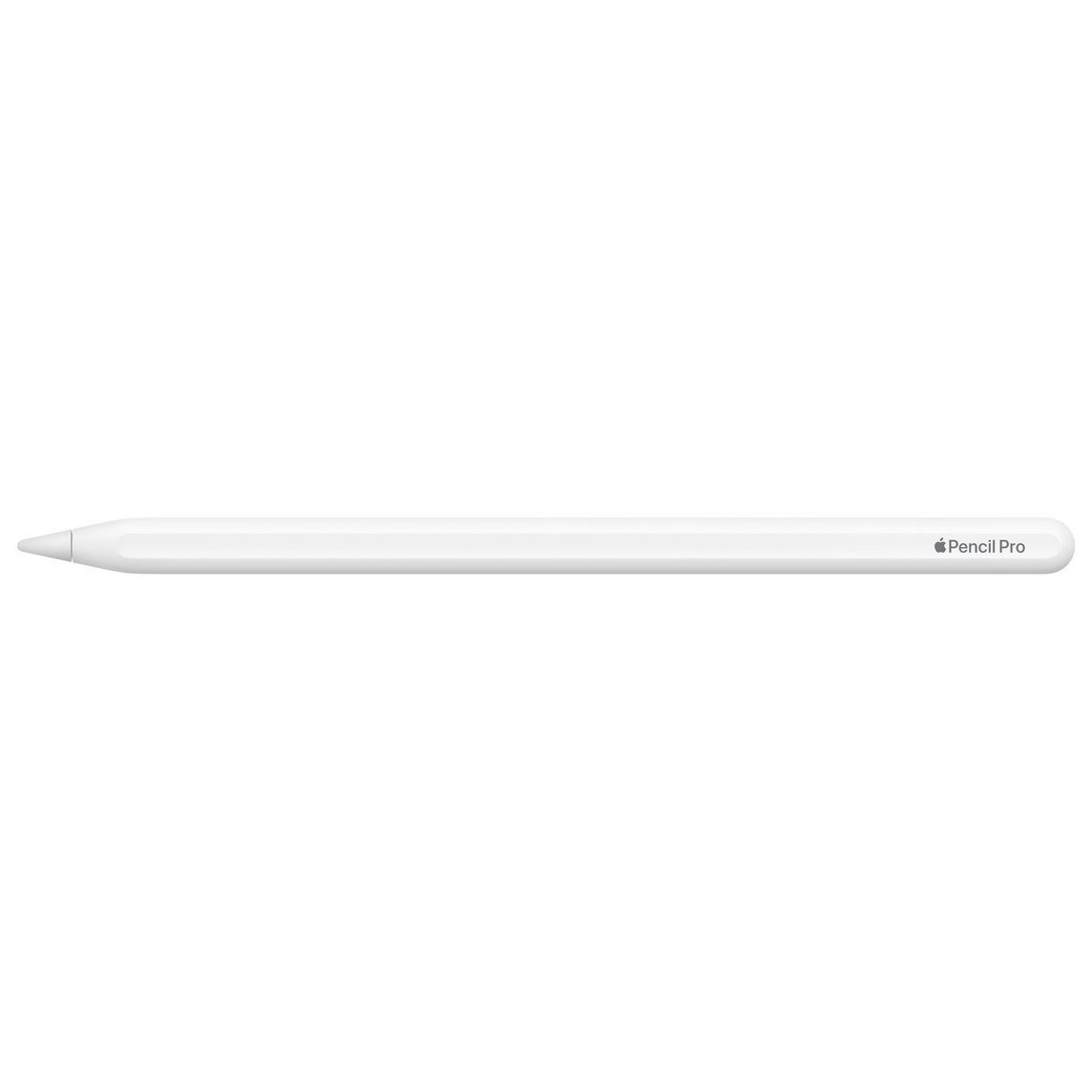
The Apple Pencil Pro is Apple's most capable stylus for iPad, released in May 2024 to replace the Apple Pencil (2nd generation). It suits artists, designers, students and note-takers using a recent iPad Pro, iPad Air or iPad mini (A17 Pro). It keeps pressure and tilt sensitivity, palm rejection and double tap, and adds squeeze, barrel roll, haptic feedback and Find My support. It attaches, pairs and charges magnetically on the side of the iPad, so there is no port or cable to manage. Check compatibility first, as it works only with the newer iPad models listed.
Key features
- Squeeze for a tool palette. A sensor detects a squeeze and brings up a tool palette for switching tools, line weight and colour. You can choose what squeeze does in Settings, and a sensitivity slider lets a lighter squeeze trigger it.
- Barrel roll. A gyroscope, new to Apple Pencil, detects rotation of the Pencil. Shaped pen and brush tools turn as you roll it, which is useful for calligraphy and art.
- Haptic feedback. A custom haptic engine gives a light tap to confirm a squeeze, a double tap or snapping to a Smart Shape. It gives clear confirmation without looking away from your work.
- Find My support. It is the first Apple Pencil that works with the Find My app. This helps you locate a misplaced Pencil.
- Pressure and tilt sensitivity. Pressure and tilt sensitivity, palm rejection and very low latency carry over from the 2nd generation. Pressure sensitivity is a key difference from the cheaper Apple Pencil (USB-C).
- Hover and double tap. On supported iPads, hover shows exactly where the tip will land with a virtual shadow of the tool. Double tap switches between tools, such as pen and eraser.
- Magnetic pairing and charging. It attaches, pairs and charges magnetically on the side of the iPad and connects over Bluetooth. There is no charging port, and it stores neatly on the iPad.
Specifications
| Size and weight | |
|---|---|
| Length | 166 mm (6.53 inches) |
| Diameter | 8.9 mm (0.35 inches) |
| Weight | 19.15 grams (0.68 ounces) |
| Connectivity | |
| Connection | Bluetooth |
| Pairing and charging | Attaches, pairs and charges magnetically on the side of the iPad; no charging port |
| Input | |
| Pressure and tilt sensitivity | Yes, with palm rejection and very low latency |
| Squeeze | Sensor brings up a tool palette for tool, line weight and colour changes |
| Barrel roll | Gyroscope for precise control of shaped pen and brush tools |
| Haptics | Custom haptic engine confirms squeeze, double tap and Smart Shape snapping |
| Double tap | Switches between tools, such as pen and eraser |
| Hover | Shows where the tip will land with a virtual tool shadow (supported iPads only) |
| Tracking | |
| Find My | Yes, first Apple Pencil to work with Find My |
| Compatibility | |
| iPad Pro | 13-inch (M5), 13-inch (M4), 11-inch (M5), 11-inch (M4) |
| iPad Air | 13-inch (M4), 11-inch (M4), 13-inch (M3), 11-inch (M3), 13-inch (M2), 11-inch (M2) |
| iPad mini | iPad mini (A17 Pro) |
| Software | |
| Minimum requirement | iPadOS 17.5 or later |
| General | |
| Colour | Matte white |
What’s in the box
- Apple Pencil Pro
Good to know
- It does not work with the base iPad, iPad Pro models from before 2024 (M2 and older), iPad Air 4th/5th generation or iPad mini 6th generation.
- The iPad must run iPadOS 17.5 or later.
- Squeeze, barrel roll and pressure only work in apps that support them.
- It replaces the Apple Pencil (2nd generation), which looks almost identical but lacks squeeze, barrel roll, haptics and Find My.
- No cable or charger is needed, as it charges from the iPad.
Frequently asked questions
Will it work with my iPad?
It works with iPad Pro 13-inch and 11-inch (M4 and M5), iPad Air 13-inch and 11-inch (M2, M3 and M4) and iPad mini (A17 Pro). It does not work with the base iPad or older iPad Pro, Air and mini models.
How does it charge?
It attaches magnetically to the side of a compatible iPad, which pairs and charges it. There is no charging port.
Does it have pressure sensitivity?
Yes, it has pressure and tilt sensitivity with palm rejection and very low latency.
Can I find it if I lose it?
Yes, it is the first Apple Pencil that works with the Find My app.
What is the difference from the Apple Pencil (2nd generation)?
The Pro keeps all the 2nd generation's features and adds squeeze, barrel roll, haptic feedback and Find My, but works only with newer iPads.
Which iPadOS version is needed?
Your iPad needs iPadOS 17.5 or later.
Reviews
There are no reviews yet.